
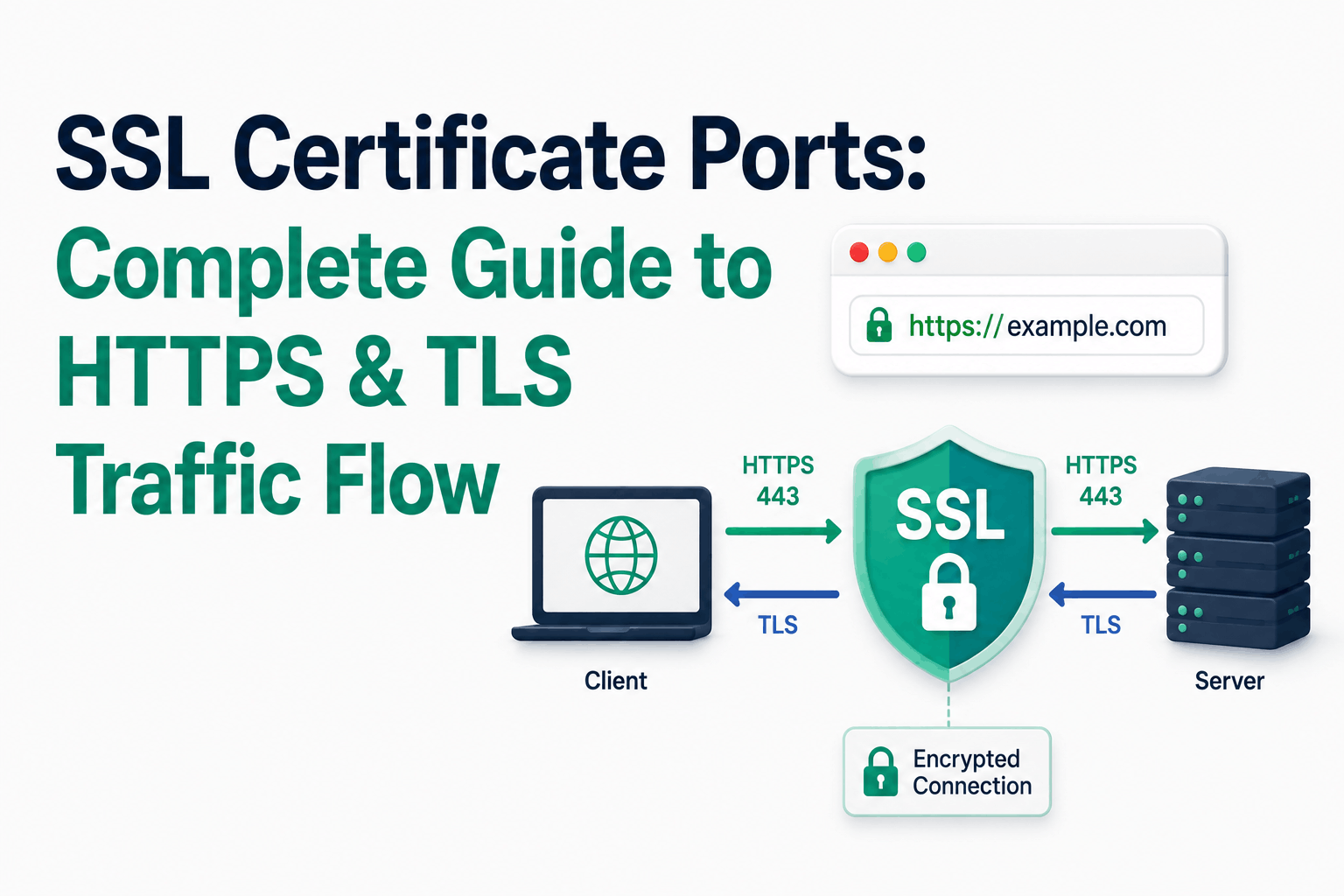
The phrase ‘SSL certificate port’ is imprecise but meaningful. An SSL certificate is not bound to a specific port: it is bound to a service identity (a domain name or IP address). TLS encryption can run on any TCP port, and increasingly on UDP ports as well. What we call ‘SSL ports’ are the IANA-registered port numbers assigned to specific application protocols that mandate or support TLS encryption.
Port 443 is the most important of these. It is the IANA-assigned port for HTTPS (HTTP over TLS) and is used for all standard web browser connections to secure sites. Since the deployment of HTTP/3 over QUIC, port 443 also runs on UDP: the same port number now operates over two different transport protocols.
This guide covers the technical relationship between ports and TLS, port 443’s TCP and UDP roles, all major TLS-bearing ports with their protocols and configurations, the STARTTLS vs implicit TLS distinction that determines whether a connection starts encrypted or upgrades mid-session, and the strategic significance of port 443 that affects networking, security, and censorship resistance.
The Technical Relationship Between Ports and TLS
A port is a 16-bit number (0-65535) that multiplexes connections on a single IP address to specific services. The operating system’s TCP/IP stack directs incoming connections to the process listening on the destination port. A port number alone carries no cryptographic properties: it does not determine whether a connection is encrypted.
TLS (Transport Layer Security) is the protocol that provides encryption. It operates above the transport layer (TCP or QUIC) and below the application layer (HTTP, SMTP, FTP, etc.). An application can apply TLS encryption to any port it listens on. A web server configured to listen on port 443 with a TLS certificate serves HTTPS. The same web server could be configured to listen on port 8443 with the same certificate and provide equivalent HTTPS security. The port number 443 is a convention, not a security property.
The SSL certificate associated with a service is what provides authentication and enables key exchange. The certificate is not stored at the port: it is configured in the server software (Nginx, Apache, Tomcat, etc.) for a specific virtual host or listener. The port is just where clients connect.
A port number alone tells you nothing about whether a connection to that port is encrypted. Port 8443 is commonly used for HTTPS, but a service on port 8443 with no TLS configuration is completely unencrypted. Port 443 is typically HTTPS, but a misconfigured server can serve plain HTTP on port 443 (causing ERR_SSL_PROTOCOL_ERROR). Security comes from the TLS configuration, not the port number.
Port 443: Now Both TCP and UDP
Port 443 was originally and is still primarily a TCP port for HTTPS. Since the widespread deployment of HTTP/3 (QUIC), port 443 also operates over UDP.
TCP 443: HTTP/1.1 and HTTP/2 HTTPS
TCP port 443 is the IANA-registered port for HTTPS. When a browser connects to https://example.com, it attempts TCP connection to port 443 on example.com’s IP address. The TLS handshake occurs over this TCP connection, establishing encryption before any HTTP traffic is exchanged. HTTP/1.1 and HTTP/2 both operate over TCP 443.
HTTP/2 over TCP 443 uses TLS ALPN (Application-Layer Protocol Negotiation) to signal that the connection will use HTTP/2 rather than HTTP/1.1. The server’s TLS configuration advertises h2 as an ALPN protocol identifier if HTTP/2 is supported. Clients that support HTTP/2 negotiate it during the TLS handshake; clients that do not support it fall back to HTTP/1.1.
UDP 443: HTTP/3 and QUIC
HTTP/3 is built on QUIC, a transport protocol that operates over UDP rather than TCP. QUIC provides connection multiplexing, built-in TLS 1.3, connection migration (connections survive IP address changes), and improved performance on high-latency and lossy connections. HTTP/3 over QUIC uses UDP port 443.
When a browser connects to an HTTPS server that supports HTTP/3, it typically establishes an initial connection over TCP 443 (HTTP/2 or HTTP/1.1), receives an Alt-Svc response header indicating the server supports HTTP/3 on UDP 443, and on subsequent connections attempts QUIC on UDP 443 first, falling back to TCP 443 if UDP is blocked.
Major deployments using HTTP/3: Google services (Search, YouTube, Gmail), Cloudflare-proxied sites, Facebook/Meta, and Fastly CDN. The Cloudflare RADAR report found HTTP/3 usage at over 30% of web requests globally as of late 2025. For most public websites, enabling HTTP/3 is a server or CDN configuration change.
Firewalls and network security tools that control port 443 TCP do not automatically control UDP 443. A firewall rule permitting TCP 443 does not allow UDP 443 QUIC traffic. Organizations that need to control HTTP/3 traffic must add explicit UDP 443 rules. Conversely, organizations that want to ensure all HTTPS traffic traverses inspection infrastructure may need to block UDP 443 to force traffic to TCP 443 where their SSL inspection appliances operate.
Complete SSL/TLS Port Reference
These are the IANA-registered ports used by protocols that encrypt with TLS, with their current operational status and TLS behavior:
| Port | Protocol | Transport | TLS mode | Status / Notes |
| 80 | HTTP | TCP | None (plaintext) | Standard HTTP. Should redirect to 443. Browsers downgrade to this when HTTPS fails. |
| 443 | HTTPS | TCP + UDP | Implicit TLS (starts encrypted) | Standard HTTPS. TCP for HTTP/1.1 and HTTP/2; UDP (QUIC) for HTTP/3. The universal TLS port. |
| 465 | SMTPS | TCP | Implicit TLS | Email submission with immediate TLS. Formally deprecated in 1998 (incorrectly), re-established by RFC 8314 (2018). Preferred over 587+STARTTLS for submission. |
| 587 | SMTP submission | TCP | STARTTLS (upgrades from plaintext) | Standard email submission port with STARTTLS. Starts plaintext, upgrades to TLS after EHLO. RFC 6409. |
| 636 | LDAPS | TCP | Implicit TLS | LDAP over TLS for directory services (Active Directory, LDAP servers). Plain LDAP on port 389. |
| 993 | IMAPS | TCP | Implicit TLS | IMAP over TLS for email retrieval. Plain IMAP on port 143. |
| 995 | POP3S | TCP | Implicit TLS | POP3 over TLS for email retrieval. Plain POP3 on port 110. |
| 853 | DNS over TLS (DoT) | TCP | Implicit TLS | Encrypted DNS lookups using DNS-over-TLS (RFC 7858). Blockable since it has a dedicated port unlike DoH. |
| 989/990 | FTPS data / FTPS control | TCP | Implicit TLS | FTP over TLS. 990 is control channel, 989 is data channel. Distinct from SFTP (which is SSH-based on port 22). |
| 8443 | HTTPS alternate | TCP | Implicit TLS (when configured) | Non-privileged alternative to 443. Common for Tomcat, admin consoles, and secondary HTTPS services. Not inherently more or less secure than 443. |
STARTTLS vs Implicit TLS: The Critical Distinction
Two different models exist for how TLS is established on a port. Choosing between them affects security properties, operational behavior, and compatibility.
Implicit TLS (SSL wrapping)
With implicit TLS, TLS negotiation starts immediately when the client connects. No plaintext is exchanged before encryption. The connection is either fully encrypted from the first byte or it fails. This is how HTTPS on port 443 works: the TLS ClientHello is the first thing sent by the client, before any HTTP request.
Implicit TLS on email ports (465 for SMTP, 993 for IMAP, 995 for POP3) provides complete protection from connection establishment. No metadata, banners, or authentication attempts happen in plaintext.
STARTTLS (opportunistic upgrade)
With STARTTLS, the client connects to a plaintext port, exchanges an initial greeting and the EHLO/HELO command (for SMTP), and then issues a STARTTLS command to upgrade the connection to TLS. The server and client then perform a TLS handshake on the existing connection.
STARTTLS on port 587 (SMTP submission) and port 143 (IMAP) is widely used. Its security properties are different from implicit TLS:
- The initial connection before STARTTLS is plaintext. The EHLO exchange and the STARTTLS negotiation are visible to network observers.
- STARTTLS downgrade attacks: a man-in-the-middle can strip the STARTTLS capability advertisement from the server’s response, causing clients that do not enforce STARTTLS to proceed with unencrypted communication. RFC 8314 (2018) addressed this by recommending mandatory STARTTLS enforcement (STARTTLS with verification, not opportunistic).
- MTA-STS (Mail Transfer Agent Strict Transport Security) for SMTP between mail servers, and SMTP DANE (DNS-based Authentication of Named Entities), are mechanisms for enforcing STARTTLS and preventing downgrade attacks on server-to-server email delivery.
| Property | Implicit TLS | STARTTLS |
| Initial connection | Encrypted from first byte | Plaintext until STARTTLS command exchanged |
| Downgrade attack surface | None (no plaintext phase) | Attackers can strip STARTTLS advertisement from server response |
| Port | Dedicated port (443, 465, 993, 995) | Shared with plaintext protocol (587, 143, 110) |
| Connection failure behavior | TLS failure = connection failure | TLS unavailable = connection may fall back to plaintext (without strict enforcement) |
| Preferred for email | Yes (RFC 8314 recommends implicit TLS on 465 for submission) | Still widely used; MTA-STS and DANE can enforce strict STARTTLS |
Port 465: A Complicated History
Port 465 has an unusual history that explains why some systems prefer port 587 and others prefer 465. In 1997, Netscape assigned port 465 for SMTPS (SMTP over SSL). In 1998, IANA reassigned port 465 to a different protocol (URL Rendezvous Directory for SSM) and port 465 ceased to be officially registered for SMTPS. The SMTP specification (RFC 2476) designated port 587 for email submission with STARTTLS instead.
Despite the official reassignment, port 465 for SMTPS remained in widespread use. The URL Rendezvous Directory protocol it was reassigned to was never widely deployed. In 2018, RFC 8314 formally re-established port 465 as the preferred port for message submission with implicit TLS, acknowledging the historical de facto usage and recommending it over 587+STARTTLS for new deployments.
Current recommendation: use port 465 with implicit TLS for email client submission where both are supported. Both 465 and 587 remain widely supported by major email providers.
Port 443’s Strategic Value: Why It Cannot Be Blocked
Port 443 has a property that no other port possesses: it is economically impossible to block it on any network that intends to allow general internet browsing. Every HTTPS website uses port 443 TCP. Blocking TCP 443 blocks Gmail, Office 365, all banking sites, all e-commerce, and effectively all modern web applications.
This creates a strategic asymmetry that has profound implications for networking, security, and censorship:
DoH (DNS over HTTPS) exploits this property
DNS over HTTPS sends DNS queries as HTTPS requests over TCP port 443, disguised as regular web traffic. Unlike DNS over TLS (port 853, which has its own dedicated port and can be blocked), DoH traffic is indistinguishable from web browsing traffic at the port level. Any network that blocks port 853 to enforce DNS policy cannot block port 443 for the same reason without disabling all web browsing.
Chrome and Firefox have built-in DoH support that users can enable. Mozilla’s canary domain mechanism (use-application-dns.net) allows network operators to signal that DoH should be disabled for managed networks, but end users can override this. Organizations enforcing DNS-based content filtering through their resolvers must implement application-layer inspection or SNI-based blocking rather than port-based blocking to address DoH.
VPNs and encrypted tunnels over 443
Many commercial VPN services offer a mode that tunnels VPN traffic through TCP 443 (sometimes called ‘stealth mode’ or ‘obfuscated mode’). From a firewall’s perspective, this traffic looks like HTTPS. Deep packet inspection (DPI) can sometimes identify VPN protocols even on port 443 by detecting non-TLS patterns in the traffic, but this requires application-layer analysis beyond simple port filtering.
HTTP/3 QUIC on UDP 443: a new dimension
QUIC on UDP 443 adds another dimension to port 443’s strategic position. QUIC’s connection migration feature (allowing connections to survive IP address changes) and 0-RTT connection establishment make it particularly valuable for mobile and high-latency connections. Organizations that perform SSL inspection exclusively on TCP 443 have no visibility into UDP 443 QUIC traffic. As HTTP/3 adoption grows, QUIC-aware inspection infrastructure becomes increasingly important.
Configuring HTTPS on Port 443 and Alternate Ports
Server configuration for HTTPS on port 443 specifies the port, the certificate, and the TLS protocols. The same server can serve multiple virtual hosts on port 443 using SNI to select the appropriate certificate.
| # Nginx: HTTPS on port 443 with HTTP/2 and HTTP/3 (QUIC)
server { listen 443 ssl; # TCP 443 for HTTP/1.1 and HTTP/2 listen 443 quic reuseport; # UDP 443 for HTTP/3 (QUIC) http2 on;
ssl_certificate /path/to/fullchain.pem; ssl_certificate_key /path/to/privkey.pem; ssl_protocols TLSv1.2 TLSv1.3;
# Advertise HTTP/3 support to clients: add_header Alt-Svc ‘h3=”:443″; ma=86400’;
server_name example.com www.example.com; }
# Apache: HTTPS on an alternate port (8443) Listen 8443 <VirtualHost *:8443> SSLEngine on SSLCertificateFile /path/to/cert.pem SSLCertificateKeyFile /path/to/key.pem SSLProtocol all -SSLv3 -TLSv1 -TLSv1.1 ServerName admin.example.com </VirtualHost> |
Verifying SSL/TLS on Specific Ports
| # Check TLS on port 443:
$ openssl s_client -connect example.com:443 -servername example.com
# Check TLS on a non-standard port: $ openssl s_client -connect example.com:8443 -servername example.com
# Check SMTP STARTTLS on port 587: $ openssl s_client -connect mail.example.com:587 -starttls smtp
# Check SMTPS (implicit TLS) on port 465: $ openssl s_client -connect mail.example.com:465
# Check IMAPS on port 993: $ openssl s_client -connect mail.example.com:993
# Check what port a service is actually listening on: $ ss -tlnp | grep LISTEN # Linux: shows all listening TCP ports $ netstat -an | grep LISTEN # macOS/cross-platform
# Test HTTP/3 support on UDP 443: $ curl –http3 https://example.com # Requires curl with QUIC support |
Frequently Asked Questions
What is an SSL certificate port?
An SSL certificate port is a TCP or UDP port number used by a service that encrypts connections with TLS. The most common is port 443 for HTTPS. The port number identifies where to connect; the SSL certificate provides authentication and enables the TLS encryption. Technically, any port can carry TLS-encrypted traffic when the server software is configured with a certificate. Port 443 is the default for HTTPS and what browsers assume when you type an https:// URL without specifying a port.
Why is port 443 used for HTTPS instead of another port?
Port 443 was assigned by IANA (Internet Assigned Numbers Authority) for HTTPS and became the standard by consensus and widespread adoption. The number itself has no special property; it was available and assigned in the early web era. Well-known ports below 1024 (including 443) require root or administrator privileges to bind on Unix systems, which is why non-privileged alternative ports like 8443 are used for development or secondary services. If you type https://example.com in a browser, it connects to port 443 by default because browsers follow the IANA assignment.
Is port 8443 as secure as port 443?
Yes, if properly configured. The port number determines where to connect, not how securely. Port 8443 with TLS and a valid certificate provides identical encryption to port 443 with TLS and a valid certificate. The practical differences are: port 8443 requires users to specify it explicitly in the URL (https://example.com:8443), it may not be allowed through enterprise firewalls that only permit port 443, and some compliance frameworks or security scanners specifically look for HTTPS on port 443 for public-facing services. For internal services, admin consoles, and development environments, port 8443 is standard practice.
What is the difference between port 465 and port 587 for email?
Both are used for email client-to-server submission (sending email from your mail client to your mail provider’s server). Port 465 uses implicit TLS: encryption starts immediately from the first byte of the connection. Port 587 uses STARTTLS: the connection starts unencrypted, then upgrades to TLS. RFC 8314 (2018) recommends port 465 with implicit TLS for new email client implementations. Port 587 remains widely used and supported. Both are more secure than port 25, which is for server-to-server SMTP relaying and typically requires authentication restrictions.
Does HTTP/3 use port 443?
Yes. HTTP/3 uses QUIC over UDP port 443 by convention. The same port number (443) is used for both HTTP/2 over TCP and HTTP/3 over UDP. When a server supports HTTP/3, it advertises this via the Alt-Svc HTTP response header, telling clients they can upgrade future connections to QUIC on UDP 443. Browsers that support HTTP/3 (Chrome, Firefox, Safari, Edge) attempt QUIC on UDP 443 when available and fall back to TCP 443 if QUIC is blocked or unavailable. From a firewall perspective, TCP 443 and UDP 443 are separate rules; allowing TCP 443 does not automatically allow UDP 443.

