
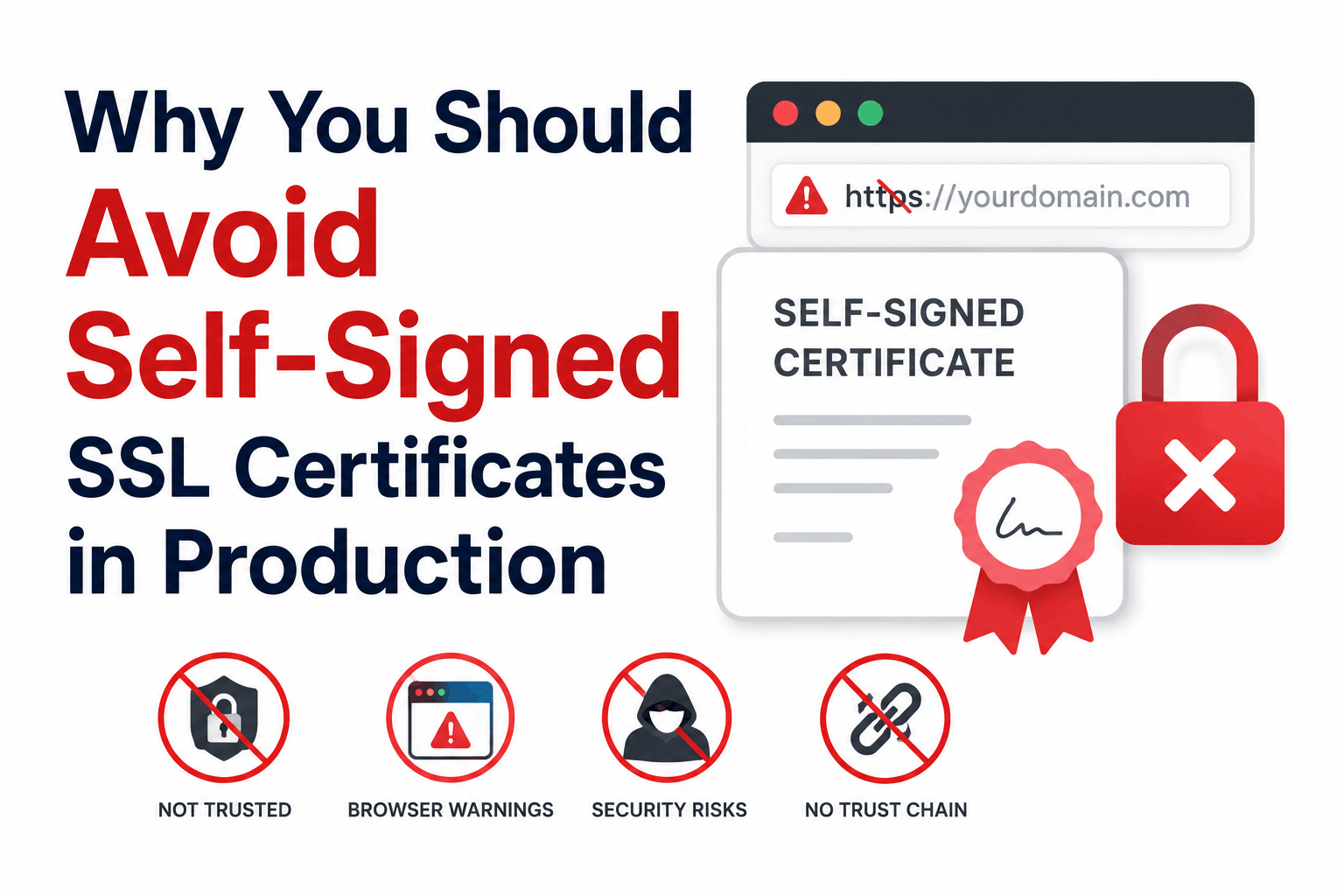
Self-signed SSL certificates have real disadvantages. They also have legitimate use cases where those disadvantages either do not apply or are acceptable trade-offs. The problem with most articles on this topic is that they treat all uses of self-signed certificates identically, applying the maximum severity of every disadvantage regardless of context.
A self-signed certificate on a developer’s local machine for testing purposes has essentially none of the disadvantages listed below in any practical sense. The same certificate on a public-facing e-commerce checkout page has all of them at full severity. Accurate risk assessment requires knowing which context applies to you.
This article covers each disadvantage with its specific mechanism, the contexts where it matters most, and the appropriate alternative for each situation.
Context Determines Which Disadvantages Apply
| Use case | Browser warning | MITM risk | No revocation | Compliance failure | Warning fatigue risk |
| Local development (localhost) | None if mkcert is used; browser exception otherwise | None (localhost, no network exposure) | Not applicable | None | None |
| Internal corporate tool (LAN only, employees) | Yes, unless internal CA root is deployed | Low if network is controlled | Limited consequence if traffic monitored | Depends on industry | High (employees trained to click through) |
| Staging environment (public URL, limited access) | Yes, to all visitors | Moderate | Moderate | Depends on compliance scope | Moderate |
| Public-facing website (any production use) | Yes, to all visitors | High | High (key compromise undetectable) | Yes for most frameworks | High |
| API server (machine-to-machine, no browser) | N/A for browsers; client verification errors | High if clients accept any cert | High if compromise occurs | Depends on data type | None (no human users) |
Disadvantage 1: Browser Security Warnings That Block Visitors
Every major browser displays a prominent security warning for self-signed certificates. Chrome shows ‘Your connection is not private’ with the NET::ERR_CERT_AUTHORITY_INVALID error code. Firefox shows ‘Warning: Potential Security Risk Ahead.’ Both require visitors to click through multiple screens to reach the site, and most visitors do not proceed.
The warning exists because browsers cannot verify the identity behind the certificate. A self-signed certificate is signed by whoever created it, not by a Certificate Authority that has independently verified the organization’s identity. Any attacker can create a self-signed certificate claiming to be any organization. The browser has no way to distinguish your legitimate self-signed certificate from an attacker’s.
The severity of this disadvantage depends entirely on who visits the site. For a developer who is the only visitor to their local development environment, the warning is an inconvenience they click through once. For a public-facing product where anonymous visitors need to trust the site enough to share credentials or payment data, the warning ends most sessions before they begin.
For local development where browser warnings are the main problem, mkcert is the correct solution rather than using a raw self-signed certificate. mkcert creates a locally-trusted Certificate Authority, installs its root certificate into the browser’s trust store, and issues certificates that browsers accept without warnings. The mkcert certificates are not publicly trusted (they cannot be used on public servers) but they eliminate warnings on the developer’s own machine. See the localhost SSL guide in this series.
Disadvantage 2: No Identity Verification for Visitors
CA-signed certificates involve an identity verification step: the Certificate Authority confirms that the certificate applicant controls the domain (DV), operates a verified registered business (OV), or passes extended verification (EV). This verification is what gives the certificate its identity assurance.
A self-signed certificate verifies nothing except that whoever configured the server had access to generate a certificate with whatever fields they chose to fill in. The organization name, address, and domain in a self-signed certificate are entirely unverified assertions. An attacker who creates a site impersonating your organization can create a self-signed certificate claiming to be your organization just as easily as you created your legitimate one.
For internal systems where users are authenticated employees who know which systems they are accessing, the identity verification gap matters less: users are not relying on the certificate to tell them which organization operates the system. For public-facing systems where users have no prior relationship with the organization and are using the certificate as one basis for their trust decision, the absence of identity verification is significant.
Disadvantage 3: Vulnerability to Man-in-the-Middle Attacks
The connection between browser warnings and MITM vulnerability is direct but requires unpacking. Self-signed certificates do encrypt the connection: the AES encryption of data in transit is identical to what CA-signed certificates provide. The vulnerability is not in the encryption itself but in the identity verification that the certificate is supposed to provide.
MITM attacks against HTTPS connections are difficult because the browser validates the server’s certificate against the CA trust store. An attacker who positions themselves between the client and server cannot simply present their own certificate because the client will reject it as untrusted. This protection requires the certificate to be issued by a trusted CA.
With self-signed certificates, the client has no CA-based trust anchor. The only way to prevent MITM is for the client to have previously stored a specific trust for the server’s certificate (through a manual browser exception or importing the certificate into the OS trust store). Without this, a client encountering a self-signed certificate for the first time cannot distinguish the legitimate certificate from an attacker’s. If users are trained to click through warnings, the entire point of certificate-based identity verification is defeated.
Disadvantage 4: No Revocation Mechanism if the Private Key is Compromised
This is the most technically significant disadvantage and the one least discussed in practical terms.
CA-signed certificates participate in revocation infrastructure: CRL (Certificate Revocation List) files the CA publishes, and OCSP (Online Certificate Status Protocol) responders that browsers can query. If a certificate’s private key is compromised, the CA can revoke the certificate. Browsers checking CRL or OCSP see the revocation and refuse to trust the certificate, even though it has not expired. The key compromise is contained.
Self-signed certificates have no revocation infrastructure. There is no CA to report the compromise to, no CRL to update, and no OCSP responder to query. If the private key of a self-signed certificate is stolen, an attacker can impersonate the server indefinitely using that key until the certificate reaches its expiry date. For a certificate with a two-year validity period, that is potentially two years of undetectable impersonation. There is no mechanism to inform clients that the certificate should no longer be trusted.
For internal systems where the private key is on a server only accessible to trusted administrators, the practical risk is lower. For public-facing systems or any system where the private key could realistically be compromised through a server breach, the absence of revocation is a material security gap.
The revocation gap is why certificate lifecycle management for internal systems using private CAs (not self-signed) is operationally better even though both are not publicly trusted. A private CA can revoke certificates issued to specific servers if those servers are compromised. A self-signed certificate on a compromised server cannot be revoked from any central authority. The private CA model provides revocation capability; the self-signed model does not.
Disadvantage 5: Warning Fatigue and the Downstream Security Risk
This disadvantage is behavioral rather than cryptographic, and it has organizational security consequences that extend beyond the specific system using a self-signed certificate.
When employees regularly access internal tools and portals protected by self-signed certificates, they encounter browser security warnings on every visit. Organizations typically respond by telling employees the warning is expected and can be safely clicked through on these internal systems. Employees learn to dismiss security warnings as a normal part of accessing internal tools.
The problem: the habit of dismissing browser warnings does not stay contained to internal systems. An employee who has spent months clicking through certificate warnings on internal tools becomes more likely to click through warnings on genuinely dangerous external sites. The behavioral conditioning to ignore security signals is transferable. A warning on a phishing site that uses an invalid certificate looks the same to a habituated user as the warning on the internal HR portal they click through every Monday.
Organizations that use self-signed certificates on internal systems should recognize that they are training their employees to disregard security warnings. The cost of deploying an internal CA and issuing properly trusted certificates to internal servers is worth evaluating against this behavioral security risk.
The warning fatigue risk is most significant in organizations where employees regularly access multiple internal systems with self-signed certificates. A single development server that only developers access is lower risk than a company-wide HR portal, payroll system, or internal application that all employees visit daily. When evaluating whether to use self-signed certificates on internal systems, consider the total number of warning-dismissal events across the organization over the system’s lifetime.
Disadvantage 6: Compliance Failures in Regulated Environments
Multiple compliance frameworks have specific requirements around certificate trust that self-signed certificates do not satisfy:
PCI DSS
PCI DSS Requirement 4.2.1 requires strong cryptography for cardholder data in transit, including for management interfaces used to administer payment systems. Certificate requirements under PCI DSS include that certificates must be from a trusted source, meaning a publicly or privately trusted CA, not self-signed. PCI QSA auditors routinely flag self-signed certificates on systems within cardholder data environment scope as findings requiring remediation.
HIPAA
HIPAA’s Technical Safeguard requirements for ePHI in transit do not mandate a specific certificate type, but the risk analysis framework requires that controls provide reasonable and appropriate security. Self-signed certificates on systems handling ePHI create audit documentation challenges: demonstrating that the certificate’s identity verification is adequate when there is no CA verification is difficult. Most healthcare organization audits treat self-signed certificates on ePHI systems as a risk finding.
SOC 2
SOC 2 Trust Services Criteria for encryption and access controls typically require that TLS connections use certificates from trusted CAs. Auditors reviewing systems in scope for a SOC 2 examination look for evidence that certificate management follows documented procedures and that certificates are from verifiable sources. Self-signed certificates in production scope create audit evidence gaps.
Disadvantage 7: Operational Complexity at Scale
For a single server, generating and installing a self-signed certificate is trivial. For an organization with dozens or hundreds of internal servers and services, managing self-signed certificates creates significant operational overhead:
- Each certificate must be manually distributed to the trust stores of all clients that need to trust it. A new server means updating trust stores on every client.
- Certificates expire and must be renewed manually. Unlike a CA-issued certificate that can be renewed through automated ACME or ACME-equivalent protocols, self-signed certificates have no automated renewal infrastructure.
- No central inventory of self-signed certificates exists unless you build it manually. Unexpected expiry events occur when certificates are forgotten.
- Rotating certificates after a server rebuild requires redistributing the new certificate to all clients, because the key is different. This interrupts service for any client that trusted the old certificate.
An internal CA (Microsoft Active Directory Certificate Services, HashiCorp Vault PKI, or a managed private CA service from a cloud provider) eliminates most of these issues: one root certificate is deployed to all clients once, and all subsequently issued server certificates are automatically trusted without client-side changes.
Alternatives to Self-Signed Certificates for Each Context
| Context | Problem with self-signed | Right alternative |
| Local development (localhost) | Browser warnings require per-device exception management | mkcert: creates locally trusted CA, installs root into browser trust store, no warnings |
| Internal corporate systems | Browser warnings, warning fatigue, no revocation, compliance risk | Private CA (AD CS, HashiCorp Vault, Smallstep CA): one root deployed to all company devices, all server certs automatically trusted |
| Staging environment on public domain | Warnings, MITM risk, no revocation | Let’s Encrypt free DV certificate via Certbot or ACME client |
| Public-facing production website | All disadvantages at maximum severity | Let’s Encrypt (free) or commercial CA certificate (paid): both publicly trusted |
| API server with internal clients | Client certificate validation errors, no revocation | Private CA or mTLS with certificates from private CA |
Frequently Asked Questions
Are self-signed certificates ever acceptable?
Yes, in specific contexts. Local development on a developer’s own machine is the clearest acceptable use: a self-signed certificate (or better, a mkcert-generated locally-trusted certificate) allows the developer to test HTTPS behavior without browser warnings affecting only themselves. Short-lived testing environments with no sensitive data and controlled access are another acceptable context. The key test: could the warning, the lack of identity verification, or the absence of revocation cause harm to users or the organization in this specific deployment? If not, self-signed certificates are acceptable. If yes, use a CA-issued certificate.
Is a self-signed certificate less secure than a CA-signed certificate?
In terms of encryption strength, no. The AES-256-GCM encryption of session data and the TLS protocol version are identical. The security difference is in identity verification and revocation. A self-signed certificate provides no third-party verification that the certificate holder is who they claim to be, making MITM attacks easier (attackers can create their own self-signed certificates for any name). A compromised self-signed certificate private key cannot be revoked, leaving the impersonation possible until the certificate expires. For contexts where the certificate’s identity function matters, CA-signed certificates are more secure. For contexts where identity verification is provided through other means (physical security, VPN access controls, machine-level authentication), the gap is smaller.
What is the risk of a self-signed certificate on an internal tool?
Internal tools with self-signed certificates carry three risks that are often underestimated. First, browser warnings on internal tools are shown to all internal users, and the organizational response of telling employees to click through them trains warning-dismissal behavior that extends to external browsing. Second, if an internal server with a self-signed certificate is compromised, the private key theft cannot be remediated through revocation. Third, compliance auditors reviewing internal systems often flag self-signed certificates as findings regardless of whether the system is in regulated scope. For internal tools, deploying an internal private CA eliminates all three problems.
What is the free alternative to self-signed certificates?
For public-facing websites: Let’s Encrypt issues free DV certificates that are publicly trusted and automatically renewed via ACME clients. There is no cost reason to use a self-signed certificate on any internet-accessible website. For local development: mkcert is a free tool that creates locally-trusted certificates that browsers accept without warnings. For internal enterprise systems: Microsoft Active Directory Certificate Services is included in Windows Server and provides a private CA for internal certificates. Open-source alternatives like Smallstep CA and HashiCorp Vault PKI are also free for self-hosted use.

