
Last updated: Nov 2, 2025
In the world of digital security, two terms often come up together—authentication and authorization. While they sound similar and are both essential for keeping systems and data safe, they serve very different purposes.
Think of it like entering a secured building: authentication is the process of showing your ID to prove who you are to the security guard, while authorization is what determines which rooms or floors you’re allowed to access once inside. Without both, true security can’t be achieved.
Understanding the difference between authentication and authorization is critical, whether you’re a website owner, a business manager concerned about data protection, or a developer building a secure application. Misunderstanding or improperly implementing either can lead to vulnerabilities that put your users, data, and systems at risk.
In this guide, we’ll break down what each term means, how they work together, and why getting them right is non-negotiable in modern cybersecurity. You’ll also learn common mistakes to avoid, real-world examples, and best practices for implementing both securely—in plain language for beginners and with technical depth for developers and admins.
Let’s explore how authentication and authorization work, why they’re different, and how they serve as the foundation of secure access control.
What is Authentication?
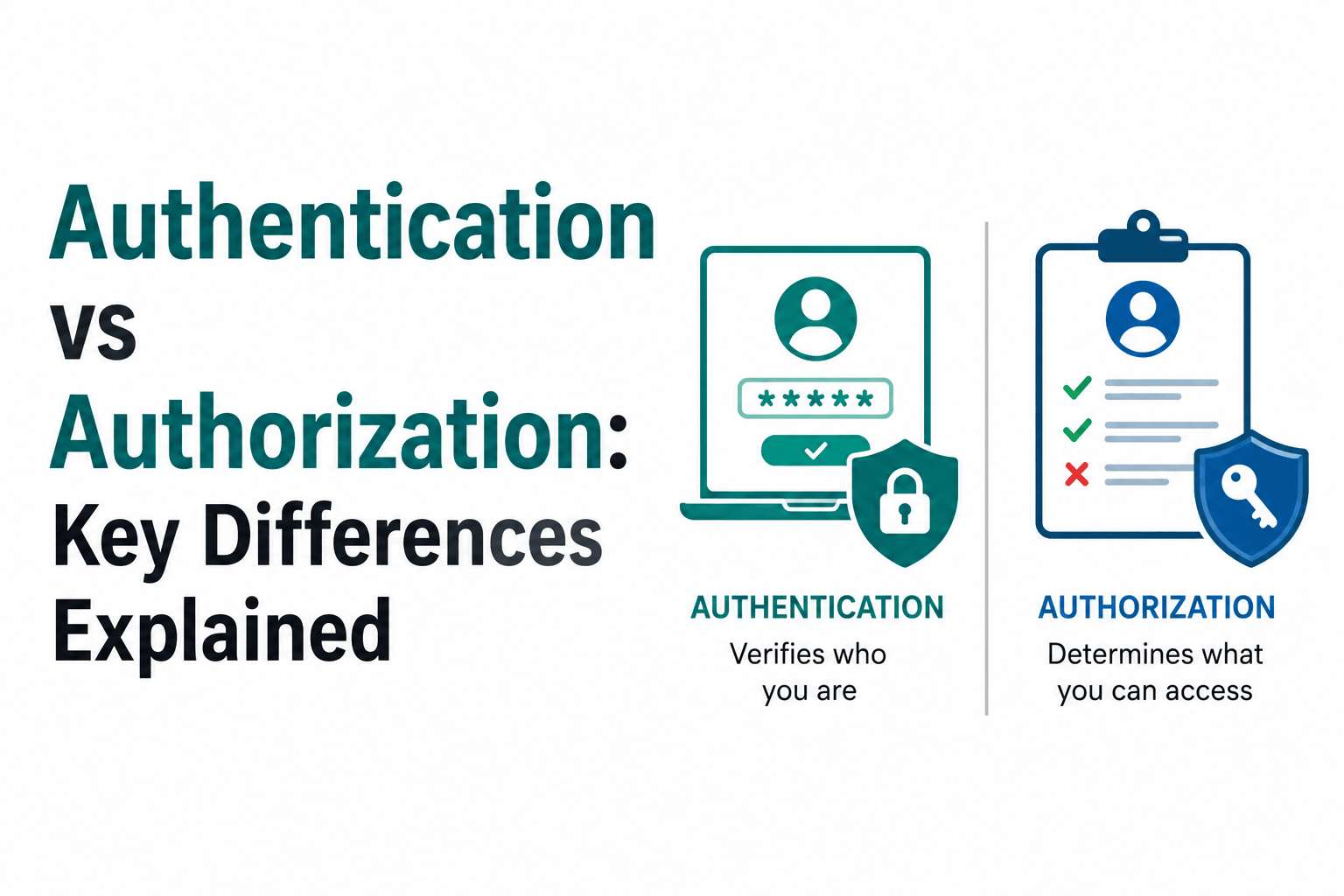
Authentication is the process of verifying a user’s identity. It answers the fundamental question: “Who are you?”
When you log in to a website with a username and password, scan your fingerprint to unlock your phone, or use a one-time code sent to your device, you’re going through authentication. The system is checking that you are who you claim to be.
Common Authentication Methods
-
Passwords and PINs: The most widely used—though often the weakest—form of authentication.
-
Multi-Factor Authentication (MFA): Combines two or more methods (e.g., password + SMS code) for stronger security.
-
Biometrics: Uses fingerprints, facial recognition, or voice patterns.
-
Hardware Tokens: Physical devices that generate time-based codes.
-
OAuth and Single Sign-On (SSO): Allow users to log in using accounts from trusted third-party services like Google or Microsoft.
Why Authentication Matters
Authentication is your first line of defense against unauthorized access. Without properly confirming a user’s identity, it’s impossible to safely allow access to personal information, admin tools, or payment systems. Weak or poorly implemented authentication is a leading cause of security breaches.
Real-World Example
When you log into your email account with a username and password, the email provider checks your credentials and compares them against stored records. If they match, you’re authenticated—and allowed entry into your inbox.
In short, authentication confirms identity—but it doesn’t decide what that identity is allowed to do. For that, we need authorization.
What is Authorization?
Authorization is the process of determining what an authenticated user is allowed to do. It answers the question: “What can you access?”
Once a user’s identity has been verified through authentication, the system checks their permissions or roles to decide what features, data, or resources they’re allowed to interact with. Authorization ensures users only have access to what they’re permitted to see or use based on their role, status, or other contextual factors.
Common Authorization Models
-
Role-Based Access Control (RBAC): Users are assigned roles (e.g., admin, editor, viewer) that determine their level of access.
-
Attribute-Based Access Control (ABAC): Access is granted based on attributes like department, location, or time of day.
-
Access Control Lists (ACLs): Lists of specific permissions tied to individual users or resources.
-
Policy-Based Access: Rules dictate access based on predefined policies and logic.
Why Authorization Matters
Even if a user is authenticated, they shouldn’t automatically have access to everything within a system. Authorization helps enforce least privilege—the principle that users should only have the minimum access necessary to perform their tasks. This reduces the risk of unauthorized data exposure or accidental misuse.
Real-World Example
Imagine a company’s internal system:
-
A regular employee can view their own HR profile and submit leave requests.
-
A manager can do all that and also approve or reject leave requests for their team.
-
An HR admin can access all employee profiles and edit records.
The employees all passed authentication (logging in), but their authorization levels dictate what actions they’re allowed to take.
Authentication vs Authorization: Side-by-Side
| Feature | Authentication | Authorization |
|---|---|---|
| Primary Question | Who are you? | What are you allowed to do? |
| Purpose | Verify identity | Grant or restrict access |
| Happens When | Before authorization | After authentication |
| Examples | Password, fingerprint scan | Admin panel access, file permissions |
| Managed By | Authentication servers/services | Access control systems, roles, policies |
| Dependent On | Credentials (password, token, etc.) | Authentication status |
Now that you know the difference, let’s explore how they work together and why mixing them up can lead to serious security issues.
How Authentication and Authorization Work Together
Although distinct, authentication and authorization are tightly connected and often work in a sequential flow. In most systems, you must first authenticate before you can be authorized.
A Typical Access Flow
-
User Authentication: The user enters their credentials (e.g., username and password). The system verifies their identity.
-
Token or Session Issued: Upon successful authentication, the system generates a session or access token that identifies the user.
-
Authorization Check: The user attempts to access a specific resource or perform an action. The system checks their roles or permissions.
-
Access Granted or Denied: Based on the authorization rules, access is either allowed or blocked.
For example, in a school management system:
-
A student logs in and authenticates successfully. They are authorized to view their grades but not to edit them.
-
A teacher logs in and authenticates. They are authorized to view and edit grades for students in their classes.
-
An admin logs in and has full access to all sections.
Each user is authenticated, but their authorization levels determine what they can do.
Why This Matters for Security
Confusing authentication with authorization can lead to vulnerabilities. For example:
-
Allowing access to sensitive data based on identity alone (without checking permissions) can result in data leaks.
-
Failing to enforce strict authorization rules can enable privilege escalation attacks, where a basic user gains admin-level access.
Modern security models like Zero Trust emphasize that every action or request should be verified and authorized—no implicit trust, even after authentication.
Common Mistakes to Avoid
Even though authentication and authorization seem straightforward, it’s surprisingly easy to get them wrong. These mistakes can create serious security vulnerabilities that are often exploited by attackers.
Mixing Up Authentication and Authorization
One of the most common mistakes is assuming that once a user is authenticated (logged in), they’re automatically authorized to access everything. This is false. Authentication only verifies identity—not access rights.
Overly Permissive Access
Giving users more permissions than they need is a major security risk. This is called privilege creep, where users accumulate increasing levels of access over time. If their credentials are compromised, attackers gain access to everything the user can do—sometimes even administrative actions.
Hardcoding Roles or Permissions
Hardcoding access rules directly into code makes it difficult to manage or update permissions when requirements change. It also increases the risk of human error and creates a brittle access control system.
Weak or Missing Authentication Factors
Relying solely on usernames and passwords without enforcing strong password policies or multi-factor authentication (MFA) leaves your system vulnerable to brute force attacks, credential stuffing, and phishing.
No Regular Audits or Access Reviews
Failing to regularly review and update user roles, permissions, and expired accounts can leave gaps that attackers can exploit. Regular audits help ensure your authentication and authorization processes stay aligned with security best practices.
How to Implement Authentication and Authorization Securely
Let’s go through some actionable best practices for building a secure system that handles both authentication and authorization properly.
Use Strong Authentication Practices
-
Enforce strong password policies (length, complexity, expiration).
-
Implement multi-factor authentication (MFA) wherever possible.
-
Use secure authentication protocols like OAuth 2.0, OpenID Connect, or SAML.
-
Store passwords securely using hashing algorithms (e.g., bcrypt, Argon2).
Design a Robust Authorization Model
-
Apply the Principle of Least Privilege: grant only necessary permissions.
-
Use a flexible access control model, such as Role-Based Access Control (RBAC) or Attribute-Based Access Control (ABAC).
-
Centralize access rules in a configuration or identity platform rather than embedding them directly in application code.
Regularly Audit and Monitor Access
-
Perform periodic audits of user accounts, roles, and permissions.
-
Log both authentication and authorization events for compliance and anomaly detection.
-
Monitor access patterns to identify potential misuse or unauthorized attempts.
Consider Outsourcing Authentication
Identity-as-a-Service (IDaaS) providers like Auth0, Okta, or Azure AD B2C offer secure, scalable authentication and authorization solutions. These services reduce your workload and help ensure ongoing compliance with industry standards.
Real-World Examples of Authentication and Authorization in Action
Understanding abstract concepts is much easier when you can see them applied in real-world scenarios. Here are a few everyday examples where authentication and authorization work together—often without you even realizing it.
Example 1: Online Banking
-
Authentication: You log in using your username, password, and maybe a one-time verification code sent to your phone.
-
Authorization: Once logged in, you can view your account balances, but you may need additional verification (like an SMS code) to transfer funds or view sensitive documents. Bank employees have different access levels based on their role.
Example 2: Social Media Platforms
-
Authentication: You enter your email and password to access your Instagram or Facebook account.
-
Authorization: Once inside, you can post updates, view your messages, or edit your profile—but you can’t change site-wide settings or view another user’s private messages. Admins and moderators have higher privileges.
Example 3: Company Intranet or HR System
-
Authentication: Employees log in with company credentials (often with single sign-on or SSO).
-
Authorization: A regular employee can view their own payroll data and submit requests, but only HR staff can access and edit records across the entire organization.
Example 4: Cloud Services (AWS, Azure, Google Cloud)
-
Authentication: You authenticate using your cloud account, often secured using MFA.
-
Authorization: Depending on your assigned role (e.g., admin, developer, auditor), you’re allowed to access specific services, create resources, or view logs.
Wrapping Up
Understanding the distinction between authentication and authorization is a foundational part of securing any modern digital system. Authentication answers “Who are you?”, while authorization answers “What are you allowed to do?” Both are essential—and they work best when designed to complement each other.
Whether you’re building a web application, securing your enterprise network, or just trying to protect your personal data, a proper grasp of these concepts helps make smarter decisions about security.
In the next steps, consider:
-
Reviewing your current authentication setup for weaknesses.
-
Auditing roles and permissions in your apps or organization.
-
Exploring trusted platforms to offload identity and access management securely.
Frequently Asked Questions (FAQ)
What is the main difference between authentication and authorization?
Authentication verifies who you are. Authorization decides what you can do once you’ve been identified.
Can you authorize someone without authenticating them first?
In traditional systems, no. Authorization typically depends on the identity established during authentication.
Is using a strong password enough for secure authentication?
No. Passwords alone can be compromised. Adding multi-factor authentication (MFA) significantly enhances security.
How do I know if my web application has broken authorization?
If users can perform actions or access data they shouldn’t, or if permissions aren’t properly checked on every request, you likely have broken authorization—one of the most critical vulnerabilities in the OWASP Top 10.
What tools can I use to implement authentication and authorization?
Popular tools and services include OAuth 2.0, OpenID Connect, Auth0, Okta, Firebase Authentication, AWS Cognito, and Microsoft Azure Active Directory B2C.

