
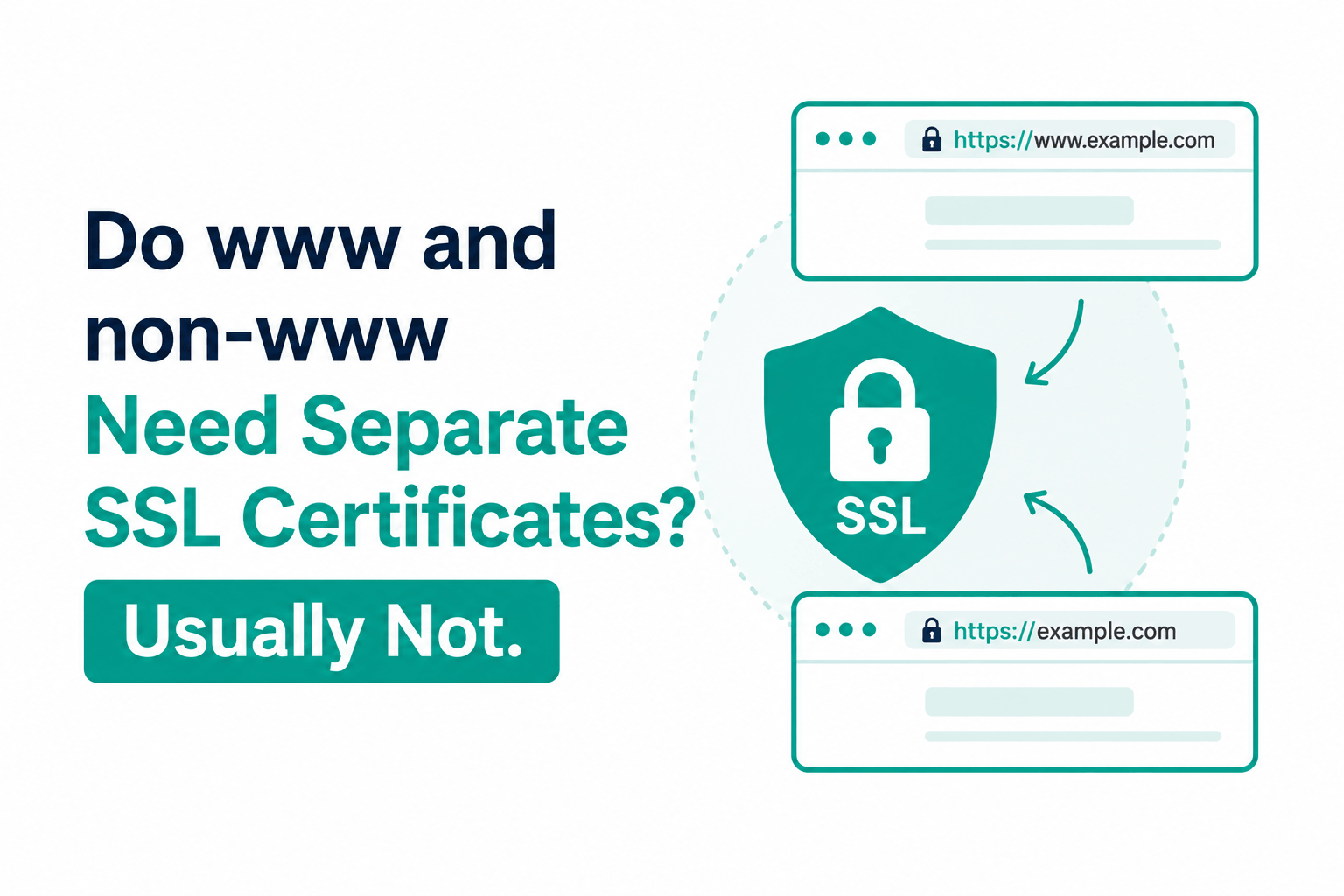
No. You need one certificate. A standard single-domain SSL certificate ordered for example.com automatically includes both example.com and www.example.com as covered domains. You do not pay extra for the www variant. You do not configure anything special to get it. This is how SSL certificates have worked since 2013.
The rest of this article explains exactly how this works, how to verify both domains are covered in any certificate, and the separate cases where you would actually need a second certificate or a different certificate type.
Why Both www and non-www Are Included in One Certificate
SSL certificates identify domains using a field called Subject Alternative Names (SANs). A certificate can list multiple domains in the SAN field, and the browser considers the certificate valid for any domain in that list. A certificate with SANs of example.com and www.example.com is valid for both.
When you order a DV certificate for example.com from any authorized CA or reseller, the CA automatically adds www.example.com as a second SAN entry in the issued certificate. This is industry standard behavior based on the CA/B Forum Baseline Requirements, which have required CAs to include the www variant alongside the base domain since 2013. The CA does this automatically; you do not need to list both during the ordering process.
The www inclusion is so standard that certificate ordering interfaces at most resellers only ask for the base domain name. If you type example.com, the CA issues a certificate valid for both example.com and www.example.com. If you type www.example.com, the CA issues a certificate valid for both www.example.com and example.com (the base domain is included as well).
How to Verify That Both Domains Are Covered
After installing a certificate, confirm both variants are in the SAN field using this OpenSSL command:
openssl s_client -connect example.com:443 -servername example.com < /dev/null 2>/dev/null | openssl x509 -noout -text | grep -A2 ‘Subject Alternative Name’
The output should show both:
X509v3 Subject Alternative Name:
DNS:example.com, DNS:www.example.com
You can also check in any browser: navigate to the site, click the padlock or tune icon, select Connection secure, then View certificate. The Subject Alternative Names section lists every domain the certificate covers.
When You Do Need More Than a Single-Domain Certificate
A single-domain DV certificate covers only two names: the base domain and the www subdomain. The following scenarios require a different certificate type:
Multiple subdomains beyond www
If your site also uses shop.example.com, blog.example.com, or api.example.com, a single-domain DV certificate does not cover them. Two options:
- Wildcard certificate (*.example.com): covers any subdomain one level deep under example.com. One wildcard certificate covers shop.example.com, blog.example.com, api.example.com, and any other subdomain. Note: a wildcard does not cover the bare domain example.com by itself; most wildcard certificate issuers also include example.com as a SAN alongside *.example.com, but confirm this when ordering. Wildcard DV from Certera: approximately $35/year.
- Multi-domain SAN certificate: allows listing specific additional domains as SANs. You pay per additional domain. Useful when you need coverage for a small number of specific subdomains rather than all subdomains under the domain.
Multiple completely different domain names
If your organization operates example.com and separate-domain.com on the same server, a single-domain certificate for example.com does not cover separate-domain.com. Options:
- Install separate certificates for each domain (simplest if you use Let’s Encrypt or any automated ACME client, which handles multiple certificates independently)
- Use a multi-domain SAN certificate that lists both domain names explicitly
Subdomains of subdomains (third-level domains)
A wildcard certificate for *.example.com covers shop.example.com but not deep.shop.example.com (a subdomain of a subdomain). Covering third-level domains requires either a separate certificate for that specific subdomain or an additional wildcard level. This is an unusual configuration for most websites.
The www vs non-www Redirect: A Different Question From the Certificate
Having both www.example.com and example.com in the certificate means the certificate works for either URL. It does not determine which URL visitors see. A visitor typing example.com and a visitor typing www.example.com both get valid HTTPS; they just see different URLs in their browser’s address bar unless you configure a redirect.
For SEO and canonical URL purposes, pick one version as the canonical form and redirect the other. Common configurations:
- Non-www canonical (example.com): redirect www.example.com to example.com with a 301 permanent redirect. Set example.com in Google Search Console as the preferred domain.
- www canonical (www.example.com): redirect example.com to www.example.com with a 301. Both configurations are valid; consistency matters more than the choice.
This redirect is a web server configuration (Nginx rewrite rule or Apache RewriteRule), not a certificate configuration. The certificate covers both; the redirect consolidates the canonical URL. They are independent concerns.
The recommended Nginx configuration for non-www canonical with both HTTP and HTTPS handled: create a server block for port 80 that redirects all HTTP to HTTPS non-www, a server block for port 443 www that redirects to non-www, and a server block for port 443 non-www that serves the site. The certificate with both SANs works for all of these. This gives you a clean 301 redirect chain without any browser warnings.
What to Buy for www and non-www Coverage
| Your situation | Certificate to buy | Where to buy | Annual cost |
| Single domain: example.com and www.example.com only | Single-domain DV certificate for example.com | Certera, SSLs.com, Namecheap | $4.99/yr (Certera) |
| Single domain plus specific named subdomains (shop, blog) | Multi-domain SAN DV or individual certificates per subdomain | Certera, SSL Dragon | From $8/yr for multi-domain |
| Single domain plus all possible subdomains | Wildcard DV certificate for *.example.com | Certera, Namecheap | ~$35/yr (Certera) |
| Single domain with verified business name in certificate details | Single-domain OV certificate for example.com (includes www automatically) | Certera, Namecheap | ~$49/yr (Certera) |
| Multiple unrelated domain names on one certificate | Multi-domain SAN DV or OV certificate | Certera, SSL Dragon | From $10/yr DV, $60/yr OV |
All pricing is per year for a single-year term. Multi-year subscriptions at 2 or 3 years reduce the effective annual rate by 20-30%. For a single domain needing only www and non-www coverage, the Sectigo PositiveSSL DV from Certera at $4.99/year is the correct and complete answer.
Frequently Asked Questions
My certificate shows only www.example.com in the browser. Is the bare domain covered?
Check the Subject Alternative Names field, not just the Common Name. Older certificate display interfaces sometimes show only the Common Name (which may be www.example.com) while the SAN field lists both www.example.com and example.com. Use the OpenSSL command above or view the full certificate details in the browser’s security panel to confirm both are in the SAN field. A correctly issued single-domain certificate will list both.
I ordered a certificate for www.example.com. Does example.com automatically get covered?
Yes, under the same CA/B Forum requirement. If you order a certificate for www.example.com, the CA includes example.com as an additional SAN. The reverse also applies: ordering for example.com includes www.example.com. Either entry point produces a certificate valid for both.
Does my hosting provider’s free SSL cover both www and non-www?
For the large majority of managed hosting providers (SiteGround, WP Engine, Kinsta, DreamHost, Hostinger, Wix, Webflow, Netlify, Vercel), yes. They use Let’s Encrypt or similar automated ACME provisioning, which issues certificates following the same CA/B Forum standard that includes both variants. You can verify by checking the certificate details in the browser on your hosted site , the SAN field should show both example.com and www.example.com.

