
EV Code Signing
Certificate
Secure your applications with an Extended Validation Code Signing Certificate that verifies publisher identity, prevents tampering, and eliminates “Unknown Publisher” warnings.
- Highest level of publisher trust
- Required for kernel-mode drivers
- Improves Microsoft SmartScreen reputation
Buy EV Code Signing Certificate to Gain Trust with Microsoft SmartScreen Filter Recognition
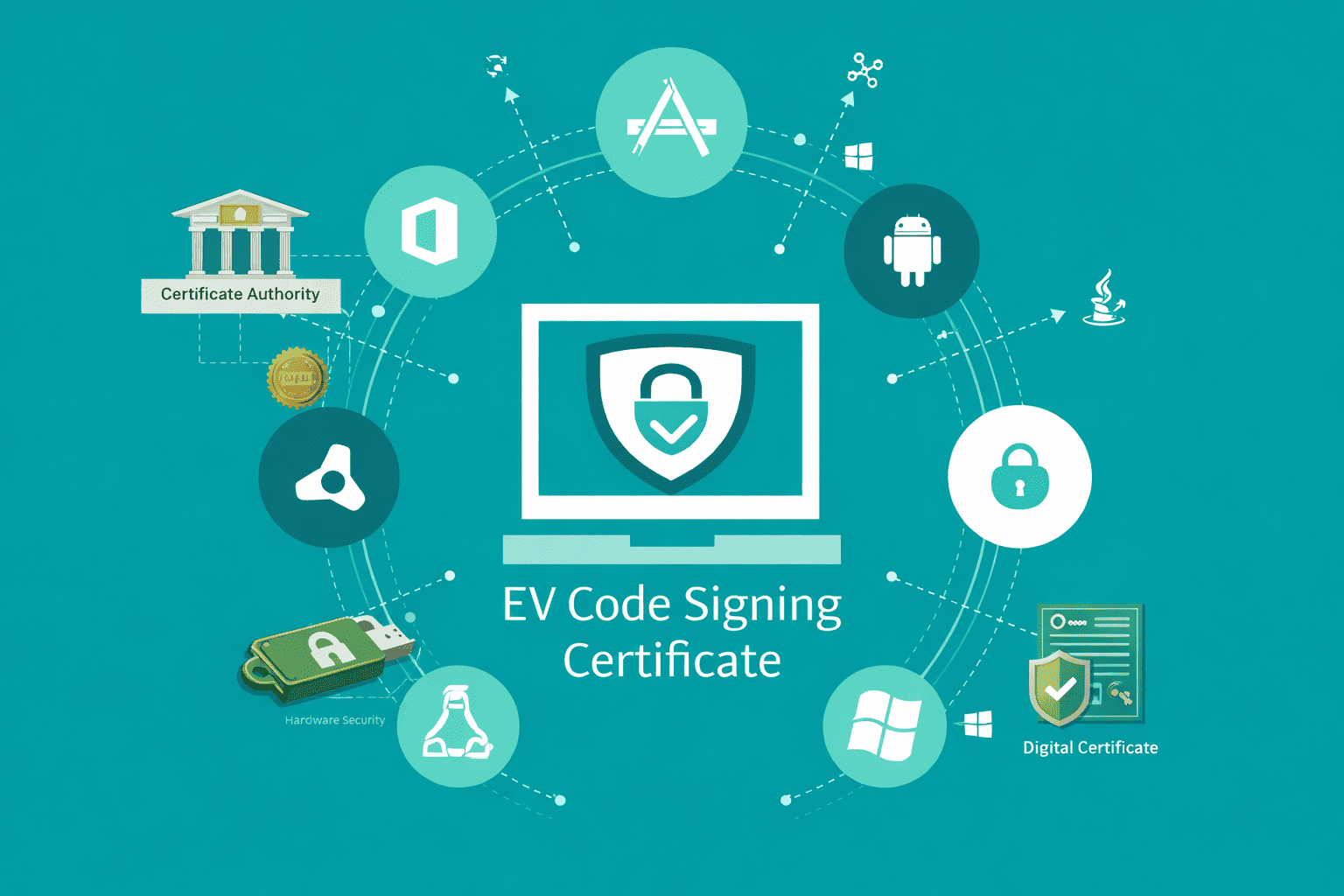
An EV Code Signing Certificate is used to digitally sign software such as executable files, installers, drivers, and applications. It verifies the publisher’s identity and ensures that the software comes from a trusted source and has not been modified after signing. By using Extended Validation standards, EV Code Signing Certificates provide a higher level of authentication than standard code signing certificates.
Shop EV Code Signing Certificates
Save upto 71% on Code Signing Certificates Direct Pricing – Lowest Price Guarantee! Cheap code signing certificate offers the same level of security, encryption, and OS trust as higher-priced certificates issued by the same trusted Certificate Authorities. Lower pricing does not mean reduced security. It simply reflects smarter purchasing through authorized resellers without enterprise markups.
SSL.com EV Code Signing Certificate
Sign Software with a Globally Trusted Certificate Authority
SSL.com EV Code Signing Certificate
SSL.com EV Code Signing Certificates provide the highest level of trust for software publishers by using extended validation and hardware based key protection. EV Code Signing is designed for signing executable files, installers, applications, and Windows drivers where strong identity verification and system level trust are required. These certificates verify the legal existence of the organization and help establish immediate Microsoft SmartScreen reputation for newly distributed software, reducing installation warnings and increasing user confidence.
Sectigo EV Code Signing Certificate
Secure your software and applications with a Sectigo EV Code Signing Certificate that delivers the highest level of trust and publisher verification.
DigiCert EV Code Signing Certificate
DigiCert EV Code Signing helps establish immediate Microsoft SmartScreen reputation, prevents unauthorized code modification, and provides maximum confidence for end users installing your software.
Why Choose EV Code Signing Over Standard Code Signing
EV Code Signing Certificates provide a higher level of trust compared to standard code signing by using extended validation and stricter identity verification. Software signed with an EV certificate benefits from immediate Microsoft SmartScreen reputation, helping users download and install applications without hesitation.
SmartScreen reputation for faster and trusted downloads
EV Code Signing provides immediate Microsoft SmartScreen trust, reducing security warnings and allowing users to download and install software with confidence. Standard code signing relies on reputation building over time, while EV establishes trust instantly.
Required for kernel mode drivers and Windows attestation
EV Code Signing is mandatory for signing Windows kernel mode drivers and participating in Microsoft driver and hardware attestation workflows, making it essential for system-level software distribution.
Stronger user trust with fewer install warnings
EV signed applications display the verified publisher name during installation, eliminating unknown publisher messages and increasing user confidence across Windows environments.
Hardware protected keys reduce compromise risk
EV Code Signing uses hardware-based key storage such as USB tokens or HSMs, preventing private key export and significantly reducing the risk of key compromise or unauthorized signing.
Key Features of EV Code Signing Certificate
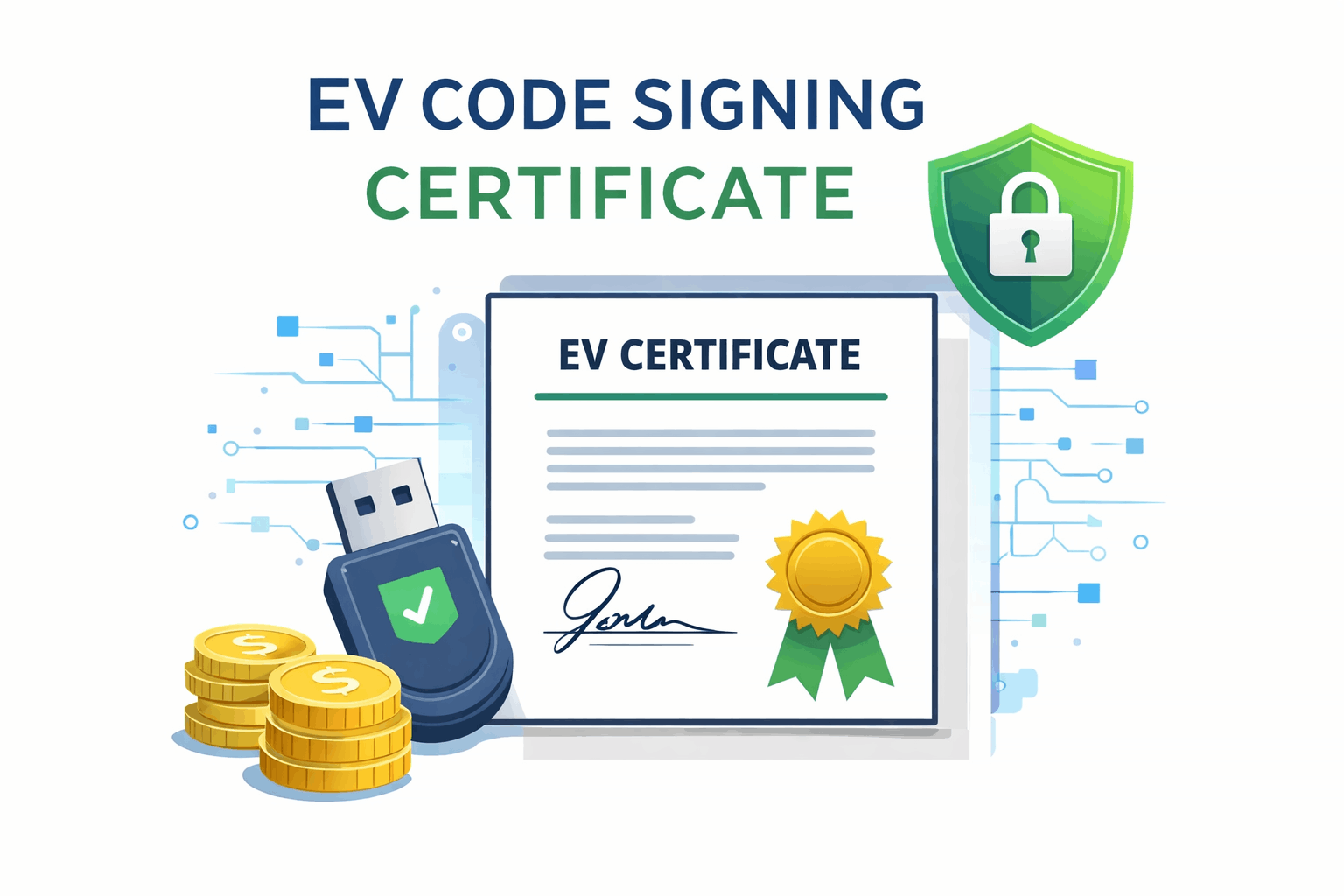
EV Code Signing Certificates provide the highest level of publisher trust by combining strict identity verification, hardware-based key protection, and immediate platform recognition for secure software distribution.
- Immediate Microsoft SmartScreen reputation: Eliminates “Unknown Publisher” warnings for new applications.
- Hardware-based private key protection: USB token or FIPS-compatible HSM ensures keys cannot be exported.
- RFC 3161 timestamping support: Maintains signature validity even after certificate expiration.
- Multi-platform signing support: Windows (SignTool), macOS (codesign), Java (jarsigner), and Linux (osslsigncode).
- Fast issuance timeline: Typically issued within 1–5 business days after verification.
- Reissue and revocation controls: Manage certificate lifecycle securely and efficiently.
- Team and account management: Multiple users with role-based access control.
Built for modern software distribution
EV Code Signing — Step by Step
Choose the provisioning model that fits your environment
Ideal for organizations that require physical key control or offline signing environments.
- USB token shipped and preloaded with EV certificate
- Install certificate on an existing FIPS 140-2 compliant token
- Physical possession required for signing operations
Best for CI/CD pipelines and scalable signing workflows with minimal human interaction.
- Hardware Security Module (HSM)
- Azure Key Vault (Managed HSM)
- AWS CloudHSM and cloud-based key services
Shipping & Identity Verification: For USB or hardware token delivery, Certificate Authorities require completed business verification and identity checks before shipment. Tokens are shipped to verified addresses only and may require signature confirmation upon delivery. Cloud and HSM-based provisioning follows the same identity validation standards without physical shipping.
EV Code Sign Validation & Requirements
What’s required to issue an EV Code Signing Certificate and how the verification process works.
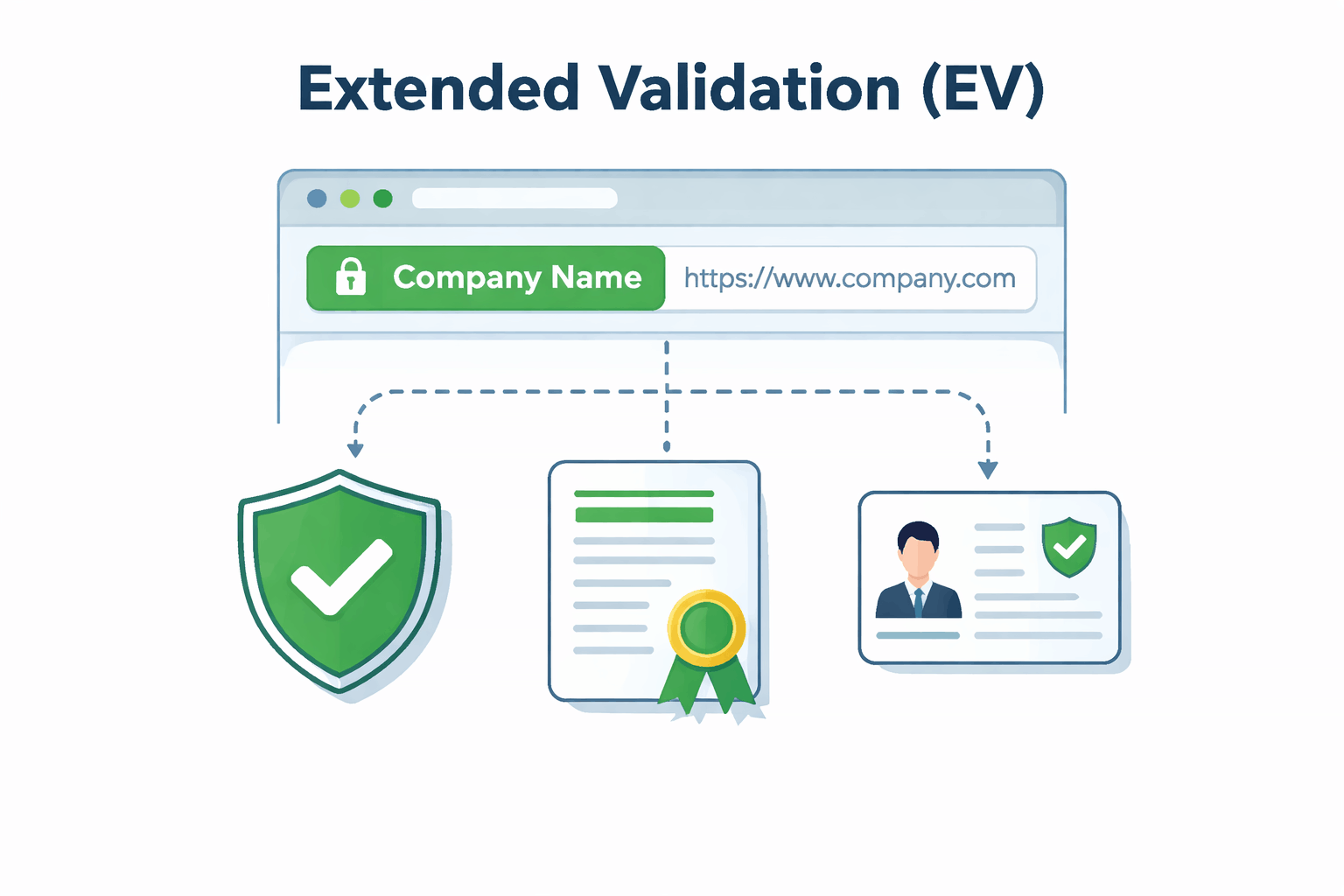
Extended Validation (EV) Code Signing Certificates require strict identity verification to ensure software is published only by legitimate, legally registered organizations.
This verification process protects end users and operating systems by confirming the publisher’s identity before a certificate is issued. Certificate Authorities (CAs) follow standardized procedures to validate every applicant.
Documents You’ll Need
To verify your organization’s identity, the Certificate Authority may request official documentation such as:
- Government-issued business registration records
- Valid photo ID for the authorized requester
- Proof of operational address or business existence
- DUNS number or official business registry reference (if applicable)
Special Business Scenarios
Additional documentation may be required depending on your organization type or location:
- Sole proprietors may need extra identity verification
- Foreign companies may submit localized or translated records
- Legal opinion letters may be requested in limited cases
CA Verification Process
After submission, the Certificate Authority completes several validation steps, including:
- Phone verification of organizational contact details
- Manual review of business and identity documents
- Authorization and attestation confirmation

Frequently Asked Questions
What is the difference between EV and OV Code Signing Certificates?
An EV (Extended Validation) Code Signing Certificate requires a more rigorous identity verification process compared to an OV (Organization Validation) Code Signing Certificate.
EV certificates provide instant trust and reputation, allowing signed applications to bypass security warnings from operating systems. OV certificates rely on reputation that builds over time, which can trigger warnings for new publishers.
Why should I choose EV Code Signing over standard (OV) Code Signing?
EV Code Signing Certificates offer higher trust because they are issued only after strict business verification.
Software signed with EV certificates gains immediate trust with Microsoft SmartScreen, helping users install applications without warnings, even for brand-new publishers.
Are EV Code Signing Certificates required for driver signing?
Yes. EV Code Signing Certificates are mandatory for Windows kernel-mode driver signing.
Microsoft requires drivers to be signed with an EV certificate before submission to the Windows Hardware Developer Program. Without an EV certificate, drivers will not be accepted on modern Windows systems.
What happens if I lose my EV Code Signing USB token?
If the hardware token is lost, damaged, or stolen, the certificate must be revoked immediately for security reasons.
A replacement requires certificate re-issuance, including identity verification and shipment of a new hardware token. EV certificates cannot be backed up or exported.
Can I reissue an EV Code Signing Certificate?
Yes. EV Code Signing Certificates can be reissued if your certificate is expiring, the token is lost or damaged, or your organization details change.
Reissuance typically involves identity re-verification and delivery of a new hardware token.
What is timestamping and why is it important?
Timestamping ensures your software remains trusted even after the certificate expires.
When timestamped, operating systems verify that the signature was valid at the time of signing. Without timestamping, users may see warnings once the certificate expires.
Do EV Code Signing Certificates work across all platforms?
EV Code Signing Certificates support multiple platforms, including Windows desktop applications, Windows drivers, Java applications, and macOS applications with platform-specific requirements.
Instant reputation benefits mainly apply to Windows environments. Other platforms may require additional signing steps.
Can I use one EV Code Signing Certificate on multiple machines?
Yes, but only through the same physical hardware token.
Since EV certificates cannot be exported, the token must be connected to each system used for code signing. Many organizations use secure build servers to manage this safely.
How long does it take to issue an EV Code Signing Certificate?
EV Code Signing Certificates typically take 3 to 7 business days to issue.
The timeline depends on business verification, callback completion, and hardware token shipping, so planning ahead is recommended.
Is EV Code Signing mandatory for all software publishers?
No. EV Code Signing is not mandatory for all applications, but it is strongly recommended for new publishers, widely distributed software, security-sensitive applications, and Windows drivers.
Does an EV Code Signing Certificate improve download trust?
Yes. EV Code Signing reduces unknown publisher and reputation-based warnings.
This helps users install software confidently, leading to higher download completion rates and fewer support issues related to security alerts.
Disclosure: This page contains affiliate links. We may earn a commission if you make a purchase through these links, at no additional cost to you.
